


- Store vehicles in your garage
- Get product recommendations
- Easily find products and accessories


SKU:
Low Stock
09-12 Dodge Ram Truck TailGate Handle Backup Camera Kit
Add protection plan
Recommended
 Fast Shipping Options
 Expert Advice
 30-Day Returns
 1-Year Warranty
Overview
Overview
This Infotainment.com exclusive Ram truck back up camera solution is designed for the 2009-2012 Dodge Ram 1500 and Ram Heavy Duty trucks. This amazing safety feature is highly recommended and is one of our most sought after upgrades for the full-size Ram truck.
Manuals and Guides
Product installation
Product installation
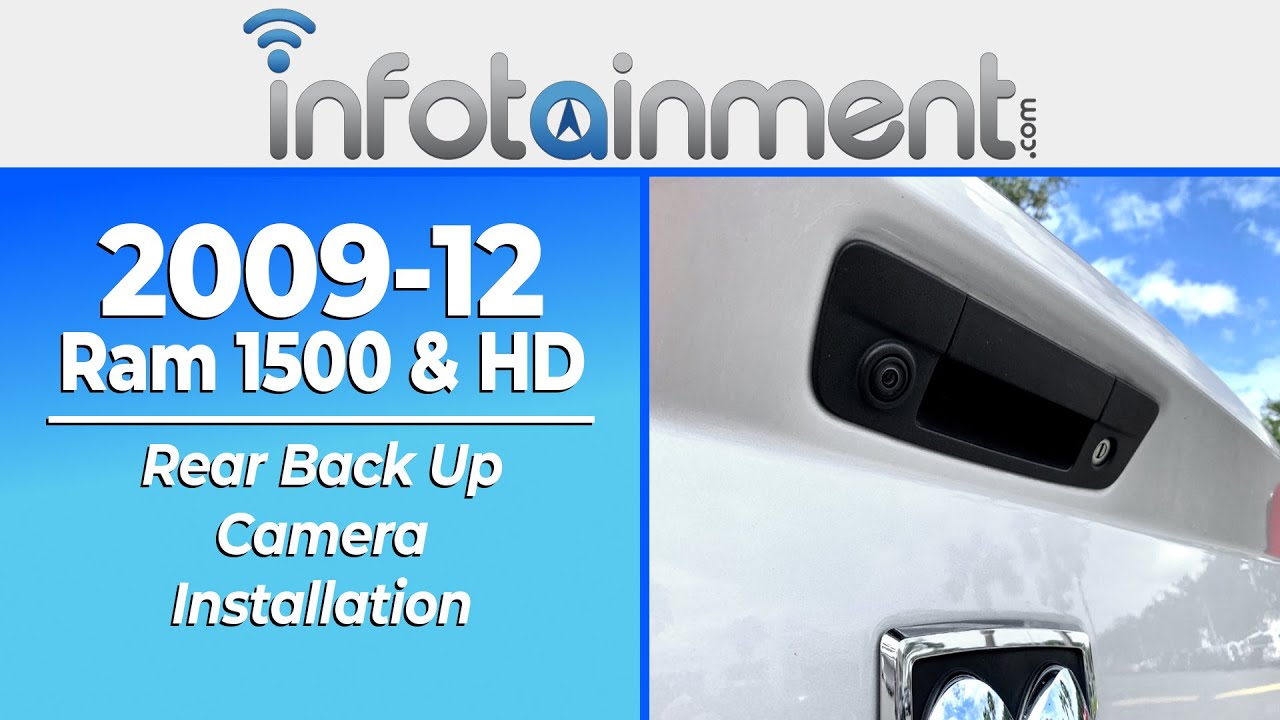
Vehicle Compatibility
Vehicle Compatibility
Make
Model
Year
RAM
1500
2009-2012
RAM
2500
2010-2012
RAM
3500
2010-2012
Things to Know
Things to Know
Reviews and Q/A
Reviews and Q/A
Recommended for you


SKU #: C-CAMMIR-JEEP


SKU #: G-KITRSTRT-4B-22TK


